
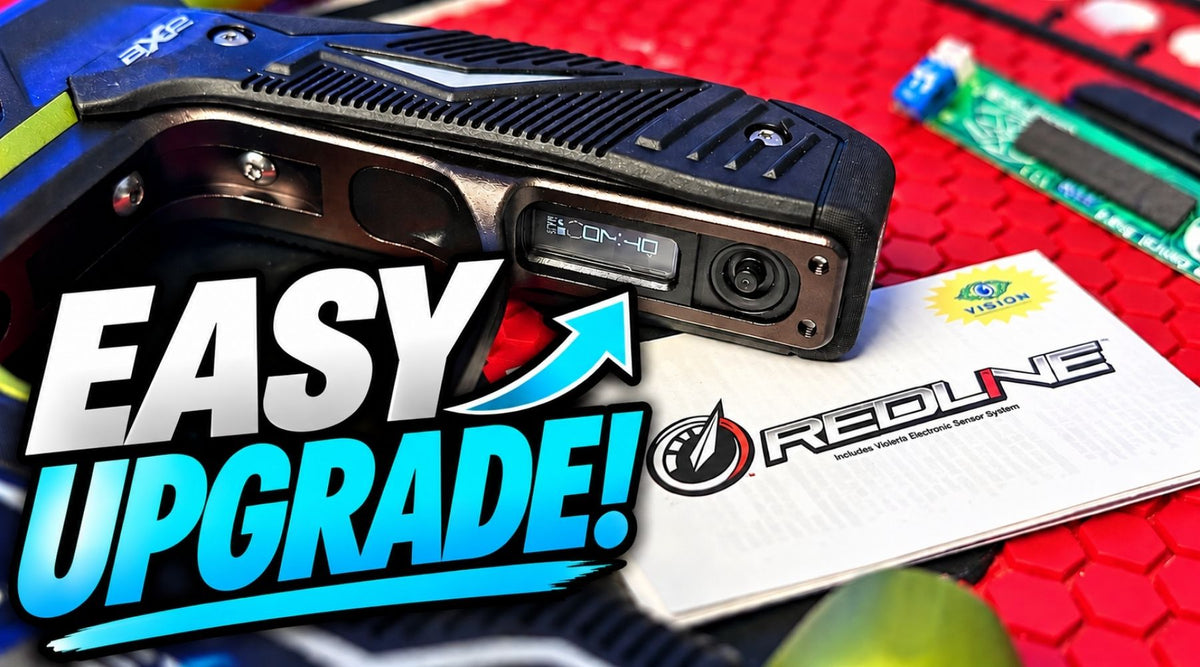
How to Install the Empire Redline OLED Board in a Mini GS or Axe 2.0
Looking for an easy way to upgrade your Empire Mini GS or Axe 2.0? The Empire Redline OLED Board replaces the standard electronics with an advanced control system featuring an OLED display, joystick navigation, customizable firing modes, player profiles, performance tracking, and more.
In our latest BFPGear video, Sam walks through the process of installing the Redline OLED Board so you can see how the upgrade goes together before installing one in your own marker.
What Is the Empire Redline OLED Board?
The Redline OLED Board is an electronic upgrade designed for compatible Empire paintball markers, including the Empire Mini GS and Axe 2.0. It gives players an easy to read OLED screen and joystick interface for accessing and adjusting marker settings.
Instead of relying on blinking lights and button combinations to navigate settings, the Redline system provides a visual menu that makes it easier to see exactly what you're adjusting.
Why Upgrade Your Empire Mini GS or Axe 2.0?
The Mini GS and Axe 2.0 are proven paintball markers, but players who like to fine tune their equipment may want more control and easier access to their settings. The Redline OLED Board provides that additional functionality without requiring you to replace your entire marker.
The OLED interface makes navigating settings easier, while the adjustable software gives you control over firing modes, player profiles, timers, shot information, and other performance settings.
Redline OLED Board Features
- Direct fit for Empire Mini GS and Axe 2.0 paintball markers
- Bright, energy efficient OLED display
- Joystick based menu navigation
- Protective rubber joystick seal
- Three customizable player profiles
- Battery level indicator
- Trigger pull indicator
- Shot counter
- Game timer with audio alarm
- Peak rate of fire tracking
- Average rate of fire tracking
- Nano Watt technology for low power consumption
- Advanced power management
- Processes up to 16 million operations per second
- Interrupt based processing for fast response
Adjustable Firing Modes
The Redline Board provides access to multiple firing modes, giving you the ability to configure your marker for different styles of play and applicable field or tournament rules.
- Semi
- Ramp
- Burst
- NXL Auto
- PSP Burst
- PSP Ramp
- Millennium
- NPPL Semi
Installing the Redline Board
Our video walks through the Redline Board installation process and shows how the electronics fit into the Empire Mini GS or Axe 2.0.
If you've never opened your marker before, following the installation visually can make it much easier to understand where everything belongs and how the components fit together.
Take your time during installation and pay close attention to the positioning of the electronics, wiring, and rubber components before reassembling the marker.
What's Included with the Redline OLED Board?
- Redline OLED electronic board
- Rubber insert for joystick protection
- Instruction manual
Please note: Grips and additional marker components are not included. Installed product images may show additional parts for reference.
Is the Redline Board Worth Upgrading To?
If you already like your Empire Mini GS or Axe 2.0 but want easier access to settings and more information directly from your marker, the Redline OLED Board adds a significant amount of functionality without requiring you to move to a completely different paintball marker.
The combination of an OLED screen, joystick navigation, customizable player profiles, firing mode adjustments, shot tracking, and performance information makes it particularly useful for players who enjoy having greater control over their marker setup.
We Are Paintball.